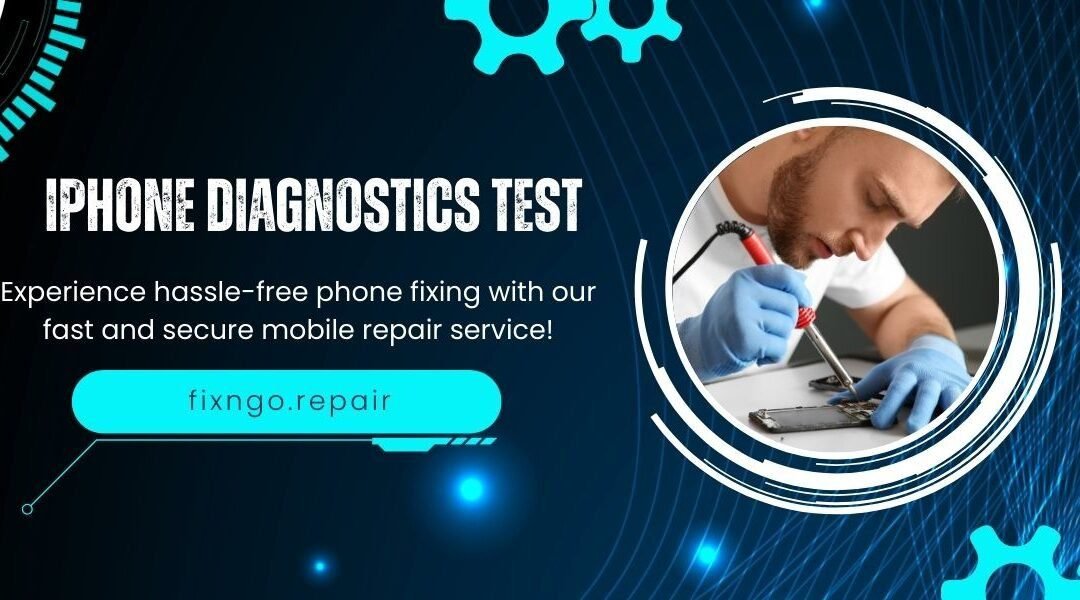
Discover how an iphone diagnostics test can detect hidden issues, optimize performance, and prevent expensive repairs. A complete guide for Orlando users ⭐
📱 The Complete Guide to an iPhone Diagnostics Test (2025 Edition)
If your iPhone has been acting strange — draining battery too fast, overheating, losing signal, freezing, or slowing down — the smartest first step is getting an iphone diagnostics test. This essential process helps identify internal issues that are not visible on the outside, giving you clarity, saving money, and preventing bigger repairs later.
In this guide, you’ll learn exactly what an iphone diagnostics test includes, why it matters, what problems it can detect, and how it extends the life of your device 📱🔧.
🔍 What Is an iPhone Diagnostics Test and Why Is It Important?
An iphone diagnostics test is a complete evaluation of your device’s internal components. Using specialized tools, technicians can read performance data, detect errors, measure battery health, analyze connectivity issues, and identify hardware or software failures.
💡 Key Benefits of an iPhone Diagnostics Test
- Detects hidden issues early
- Prevents major hardware failures
- Helps you avoid unnecessary repairs
- Improves long-term device performance
- Saves time and money
- Provides accurate repair recommendations
- This test is essential anytime your iPhone behaves abnormally but you’re unsure about the cause.
🛠️ What Problems Can an iPhone Diagnostics Test Detect?
A professional iphone diagnostics test reviews multiple components and internal systems, uncovering issues that often go unnoticed.
🔋Battery Health and Power Consumption
One of the most common findings in an iphone diagnostics test is a failing battery.
The test evaluates:
Real battery capacity
Charging cycles
Overheating
Sudden shutdowns
Abnormal energy consumption
This is especially important for newer models like:
📱 iPhone 12 / 12 Pro
📱 iPhone 13 / 13 Pro
📱 iPhone 14 / 14 Pro
📱 iPhone 15 / 15 Pro
⚡Charging Port and Power Issues
If your iPhone isn’t charging correctly, the test determines whether the problem comes from the port, cable, charging IC, or internal circuitry — avoiding unnecessary part replacements.
📡Signal, WiFi, and Bluetooth Failures
Connectivity issues are extremely common.
An iphone diagnostics test can detect:
- Damaged antennas
- Faulty WiFi/Bluetooth chips
- Software configuration errors
- Signal drop from logic board damage
- 🧠Software, Performance, and System Errors
The diagnostic process analyzes system processes to detect:
- Corrupted software
- Crashing apps
- CPU overload
- Memory mismanagement
- iOS glitches
- These issues often cause freezing, lagging, or random restarts.
🎛️Internal Sensor Malfunctions
An iphone diagnostics test evaluates several sensors, including:
- Face ID
- Cameras
- Proximity sensor
- Gyroscope
- Microphones and speakers
- Vibration motor
These components are essential for everyday functionality.
⚠️ When Should You Get an iPhone Diagnostics Test?
Many users wait until the iPhone stops working completely… but by then, repairs are often more expensive.
Here are the main warning signs:
🚨Red Flags That Indicate You Need a Test
- iPhone gets hot even when idle
- Battery drains unusually fast
- The device shuts down randomly
- Charging issues or slow charging
- Touchscreen delays
- Weak signal or no service
- Apps freezing frequently
- Audio problems
- Random restarts
- Face ID not working
If you’re experiencing any of these, an iphone diagnostics test is the safest and fastest solution.
🧪How a Professional iPhone Diagnostics Test Works
🔍1. Initial Visual Inspection
Technicians examine the outside of the device to identify visible signs of damage.
🖥️2. Advanced Software Diagnostic
Specialized tools connect to the iPhone to check:
- Battery metrics
- CPU usage
- System errors
- Sensor activity
- Connectivity
Temperature readings
🔩 3. Internal Hardware Evaluation
If needed, the device is opened to examine the logic board, battery, charging port, cameras, and internal components.
📊 4. Detailed Report
You receive a clear explanation of the issues found and recommended next steps.
About iPhone Diagnostics Tests
Do I need a test even if my iPhone still works?
Yes. An iphone diagnostics test helps detect early failures before they turn into costly repairs.
How long does the diagnostic take?
Usually 15–30 minutes.
Is it compatible with the latest models like iPhone 14 and 15?
Absolutely — the process works on all iPhone models.
Can it detect water damage?
Yes. It identifies corrosion, moisture sensors, and power issues caused by liquid exposure.
Fix N’ Go Repair (Orlando, FL)
If you’re looking for a professional iphone diagnostics test in Orlando, Fix N’ Go Repair provides fast and accurate diagnostic evaluations for all iPhone models.
📍 Address: 2725 N Pine Hills Rd Suite B, Orlando, FL 32808
📞 Phone: 863-332-9529
💬 WhatsApp: Message us now to book your visit
🕐 Hours: Monday to Saturday — 10:00 a.m. to 7:00 p.m.
🌐 Website: https://fixngo.repair